Keyword Inbox SMS Webhook
We use HTTP callback (webhook) to forward incoming inbox messages directly to your application. If you do not have any SMS Keyword, click here to learn more.
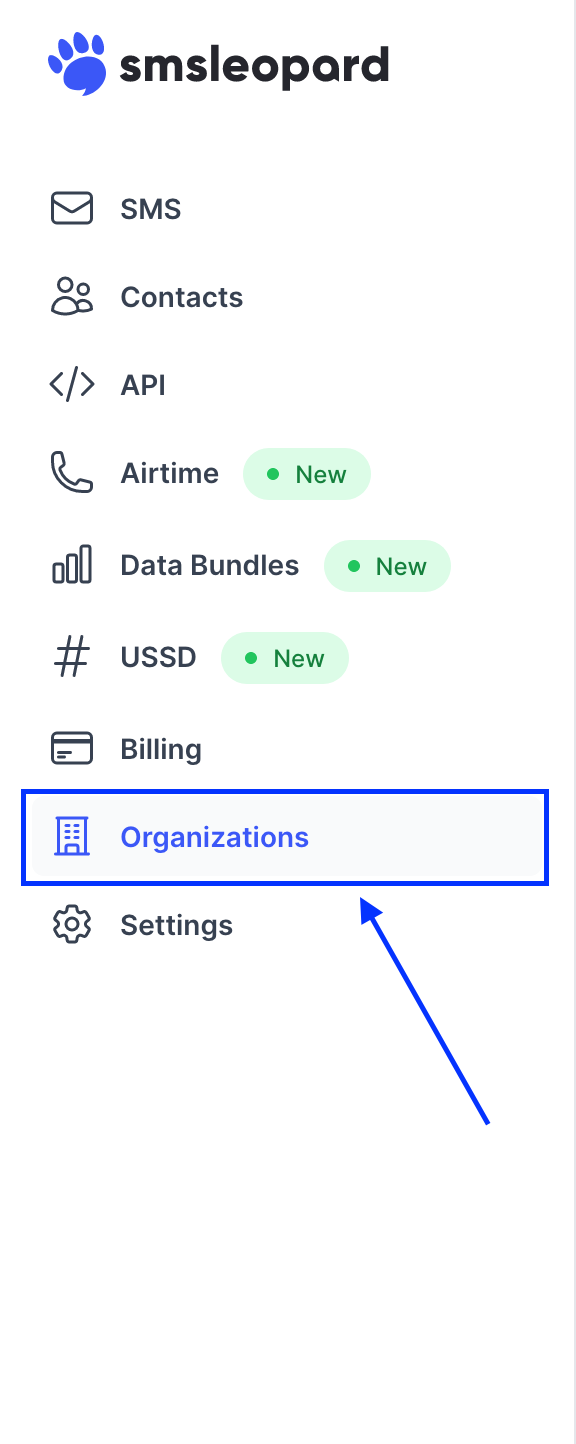
Click organizations (business account) from the navigation menu
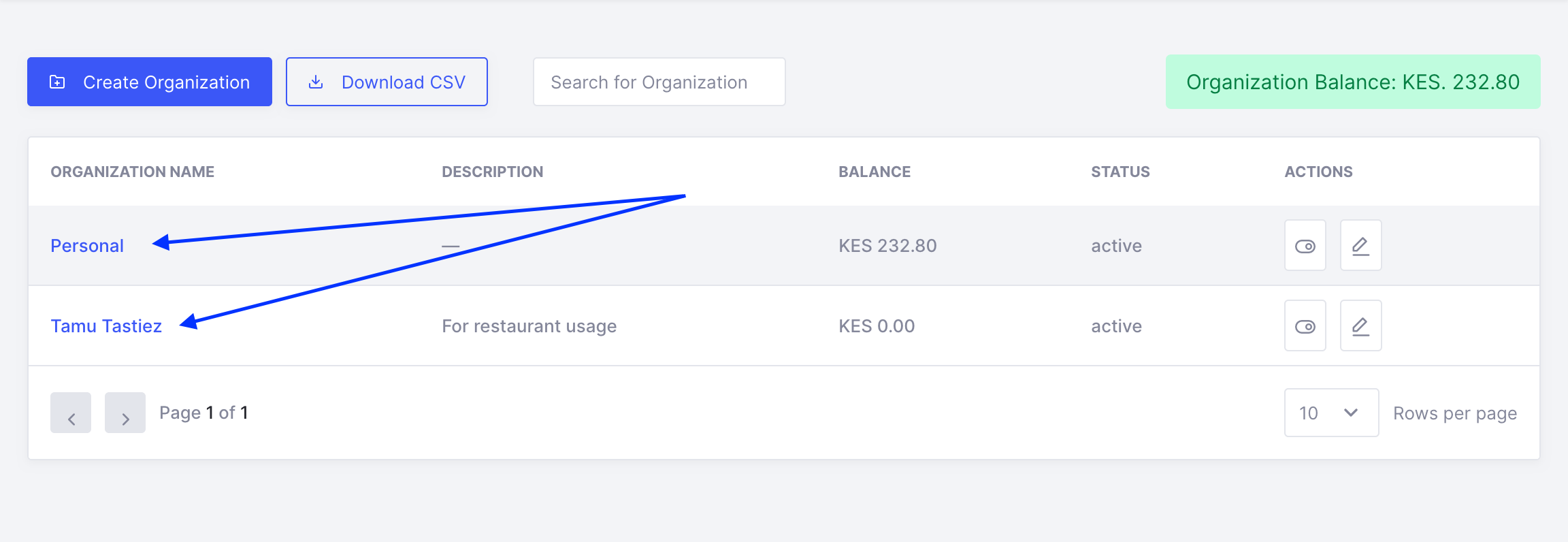
Click an organization/account assigned to keyword of interest.
Click on the keywords tab.

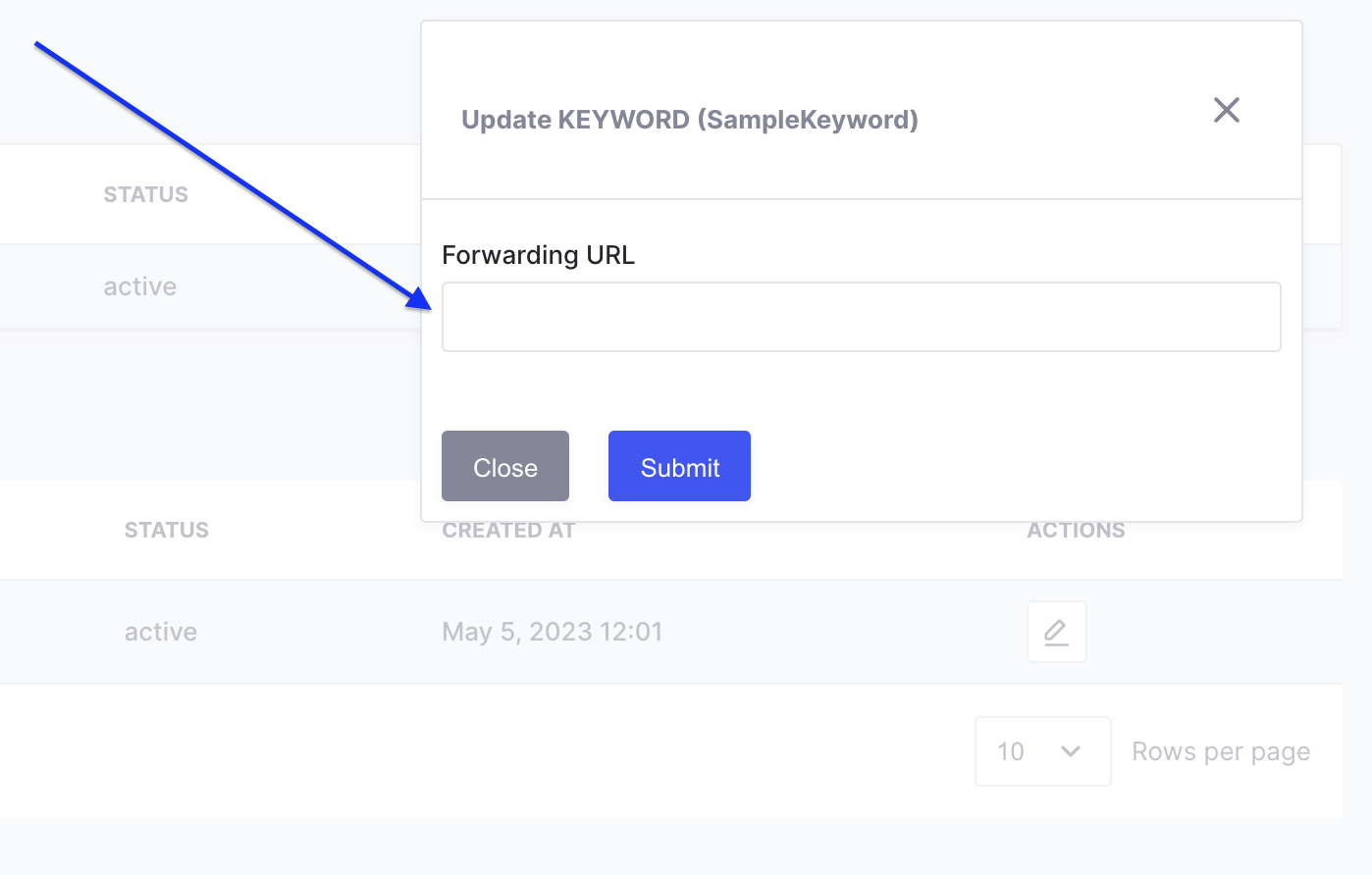
Click on the edit button.

Provide your forwarding url and submit.
Example JSON payload
{
  "id": 121,
  "api_date": "2021-04-10 15:04:00",
  "insert_date": "2021-04-10 15:05:00",
  "message": "Sample Keyword",
  "sender": "+254700000002",
  "retries": 0
}| id | Unique id for the inbox message. |
| api_date | Start time for inbox message processing. |
| insert_date | End time of inbox message processing. |
| message | Received message. |
| sender | Sender phone number. |
| retries | Number of retries at forwarding the inbox message. |